Creating a Portal to Build Computer Vision Apps on the Edge
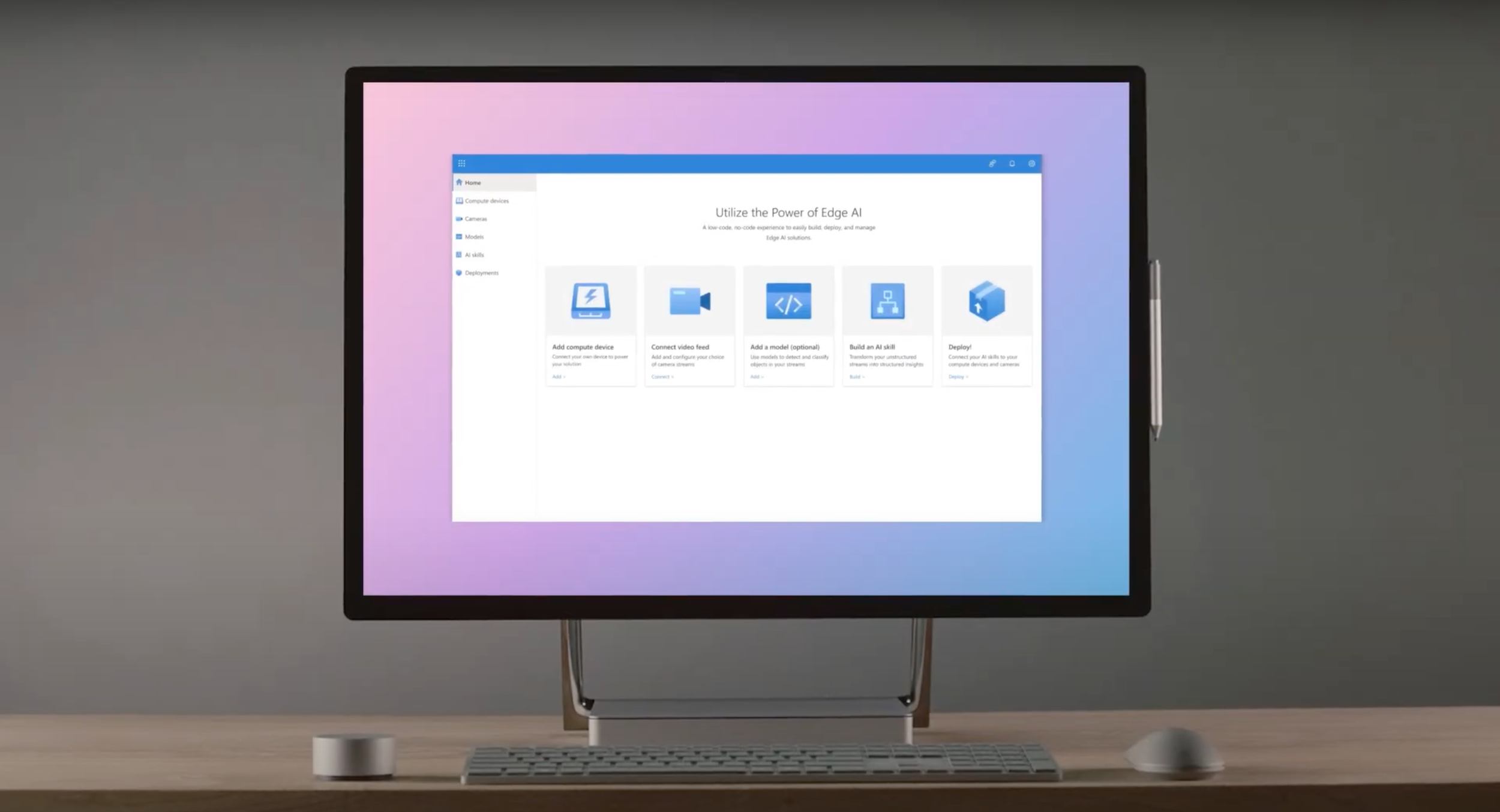
Project Overview:
Our team at Microsoft was tasked with empowering users to build scalable computer vision AI solutions. Our goal was to address two major user pain points: Deploying a large-scale solution on the edge so that computations would occur closer to the data source (in order to minimize latency), and operating this solution across a hybrid ecosystem of input/output devices. Over a 14 month project cycle, we designed and developed a solution portal tailored to address these pain points.
Role: Lead UX Designer
Platform: Microsoft Azure
Tools: Figma, Adobe Illustrator
The Process:
IMMERSION:
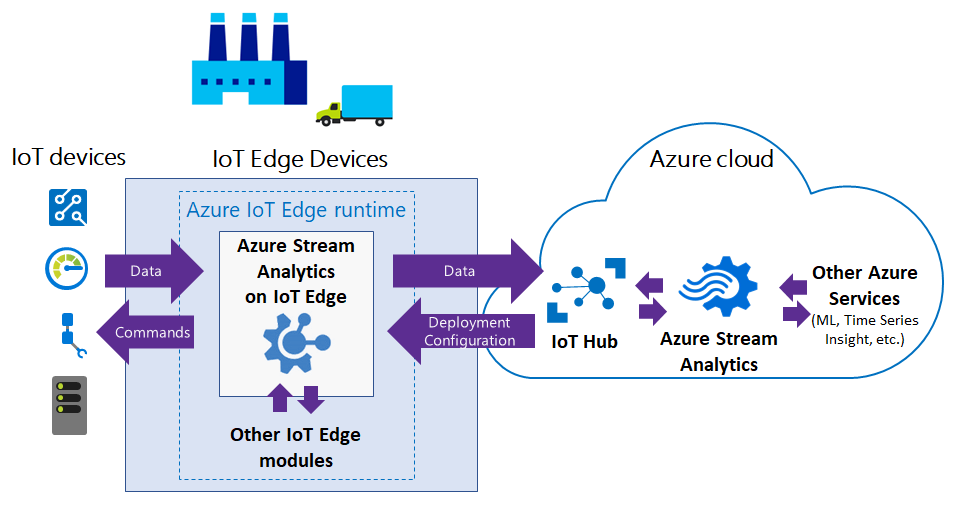
I initiated my first project at Microsoft by immersing myself into the Azure Edge ecosystem in order to build a strong foundational understanding. Before creating mockups, I ensured I developed a firm understanding of the existing developer’s experience, focusing on hardware integration, code deployment, insight acquisition, and analytics visualization within Azure. This groundwork ensured our solution addressed user needs and improved the developer experience effectively.
PROCESS MAPPING:
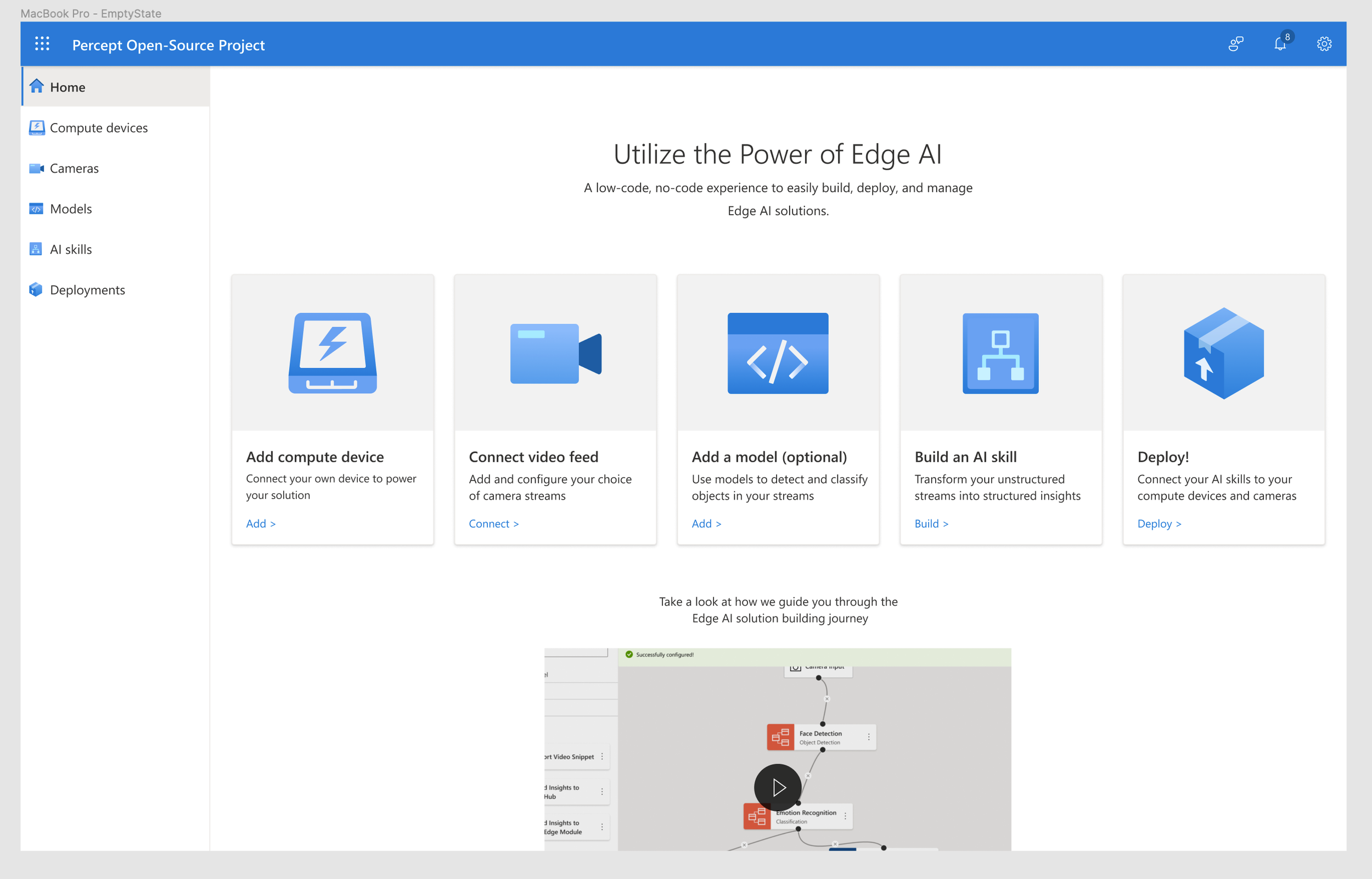
Next, I collaborated closely with product managers and developers of adjacent platforms to map out the key steps in the edge-solution development process. Aligning with integration partners was critical to ensure my research stayed on track. With the high-level framework in place, I iterated on designs for each component of the solution.
EXPLORING:
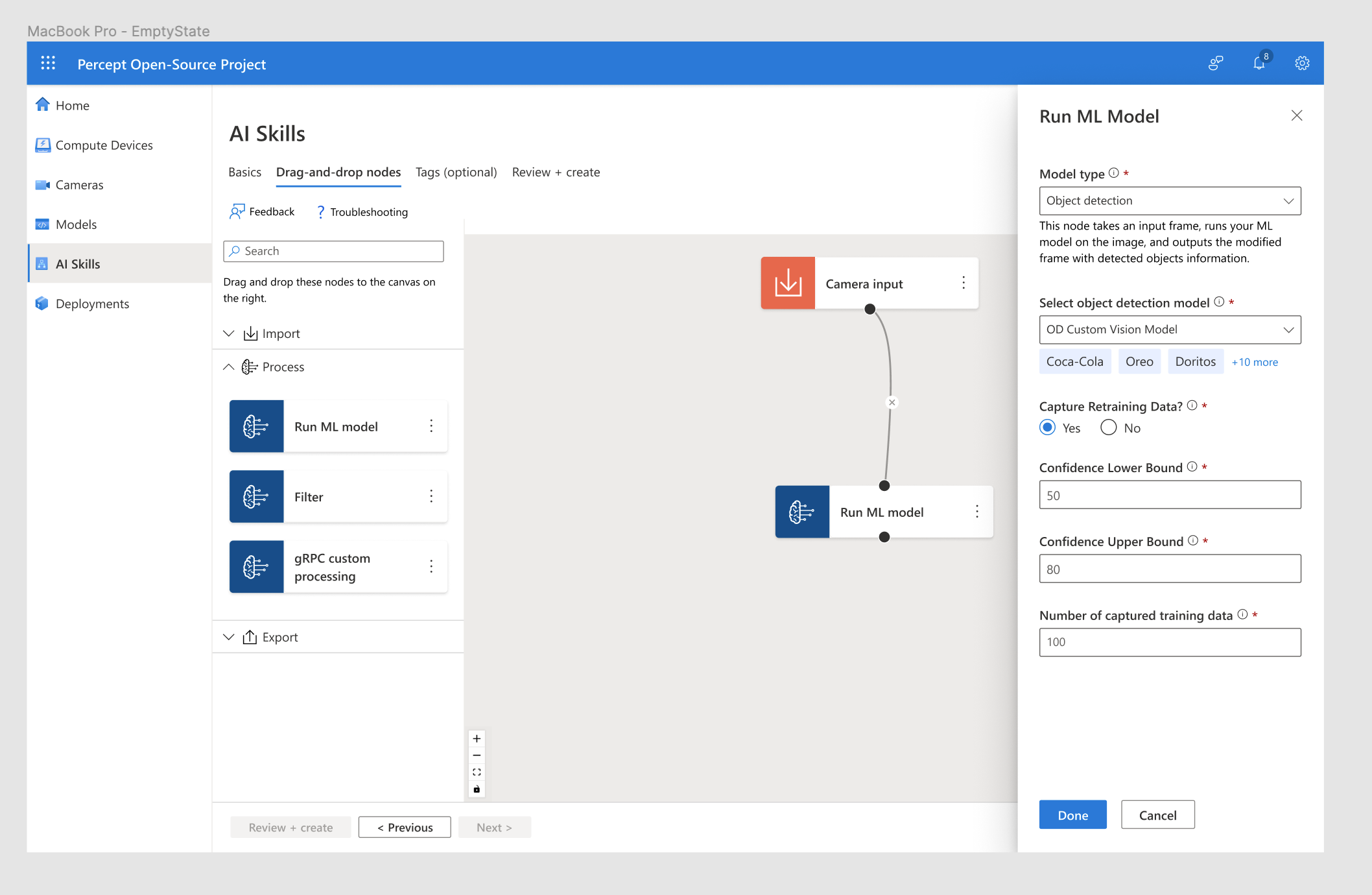
Since this was an open-source project, I had the unique opportunity to explore innovative functionalities for edge solution development, free from the constraints of Azure’s otherwise rigid design system. One key feature I designed was a visual "connect-the-dots" interface, enabling users to link inputs and outputs of their solution to build the core computer vision functionality of their system (what we called an “AI Skill”).
PROTOTYPING:
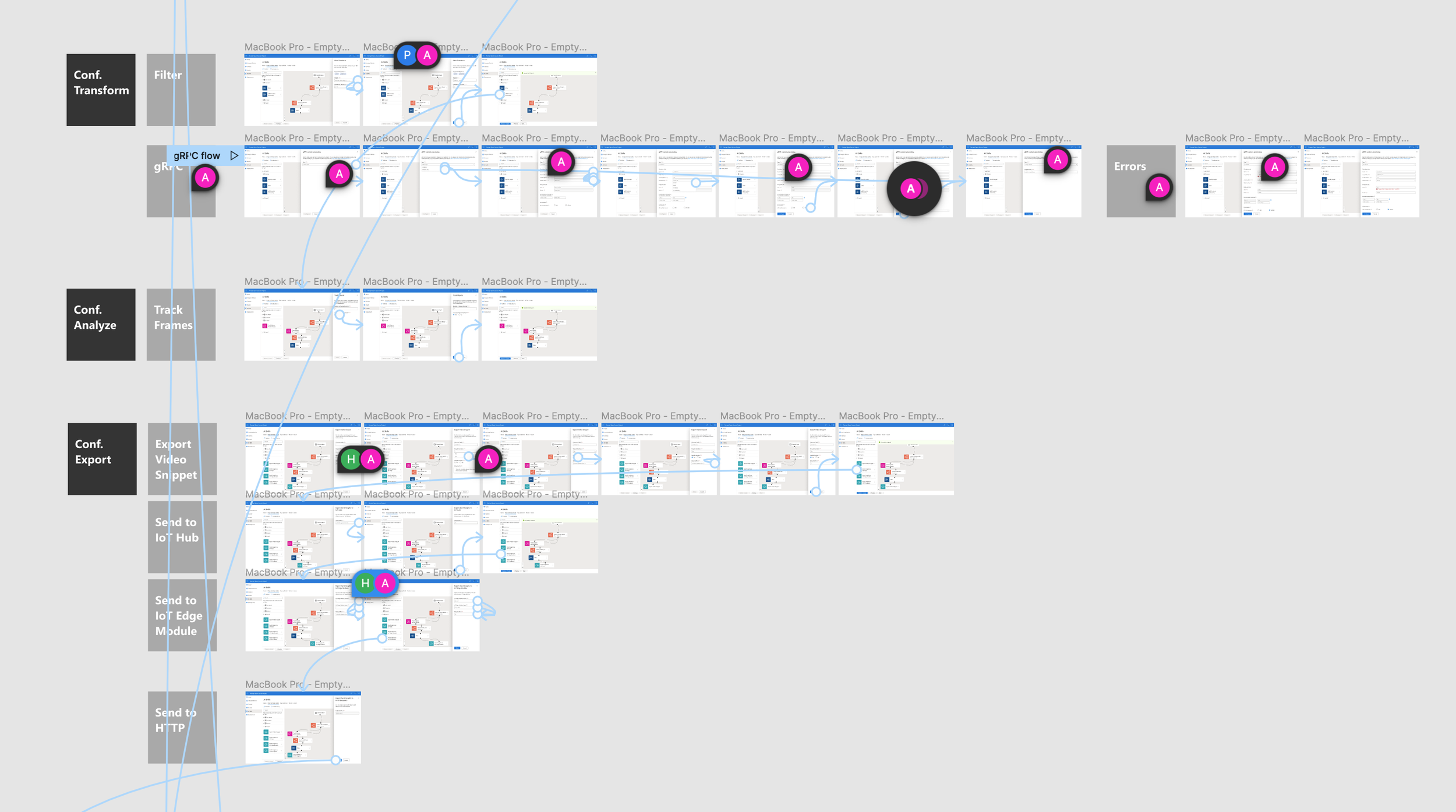
Finally, I connected all the components into a cohesive end-to-end experience, mapping out flows for both successful and failed scenarios across every user story. During handoff, I collaborated closely with our developers to align on requirements/acceptance criteria and refine designs based on their feedback. In parallel to handoff, I translated these designs to clickable prototype demos that our team presented to the VPs of our branch in Azure.
The Final Solution:
After 14 months of continuous sprints, our team launched KAN portal (KubeAI Application Nucleus for Edge): a Kubernetes-native solution builder that enables users to seamlessly develop and manage computer vision Al applications for the edge. The portal is inherently low-code, enabling users with diverse technical expertise to independently build and deploy solutions. As an open-source platform, KAN portal also democratizes access to advanced AI capabilities, fostering innovation across a wide range of industries and applications.
Here is a link to our official announcement. You can also see a quick demo below:
Takeaways:
Immersion: Be proactive. Set up calls with team members from adjacent products, not just your own, to understand the ecosystem which you will contribute to.
Design system integration: Leverage atomic methodology. Use foundational components (i.e. atoms) from your organization’s design system to experiment and build new, tailored frames (i.e. molecules) that align with the company design standards.
Clickable prototypes: Define a clear example scenario prior to creating your demo. It can be tedious to make revisions later, especially for demo videos.